
%201.svg)
%201.svg)
Start with service style, not spec sheets
The right hardware mix follows from how orders move through your venue. Counter service needs a fast fixed terminal. Table service benefits from handhelds. Anything with a kitchen benefits from a kitchen display (KDS) instead of paper dockets.
The three building blocks
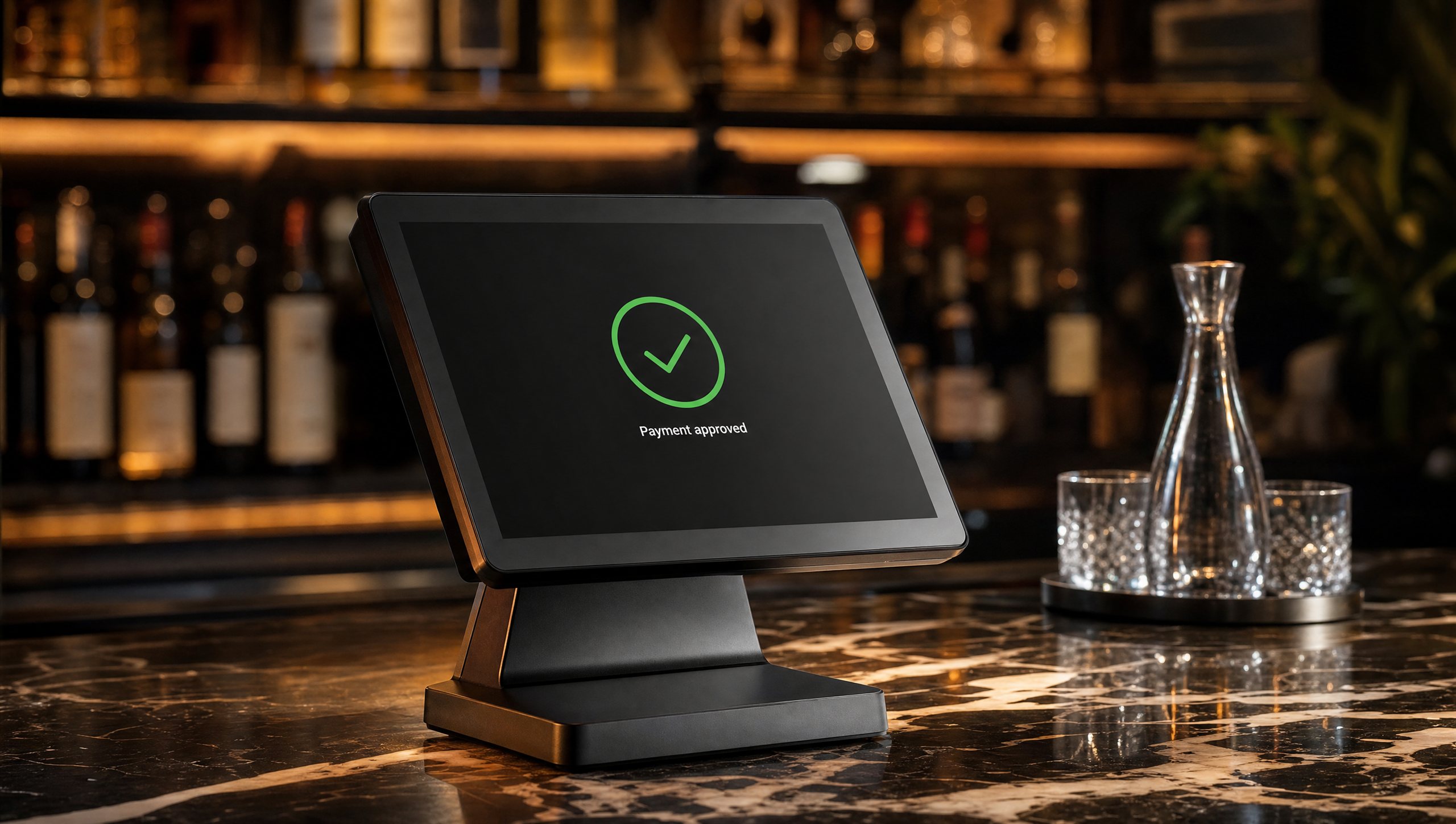
- Counter terminal. Your anchor station: dual screens (staff side and customer side), integrated payments, receipt printing. One per till point. Payflo Pro is this class of device, from $1,099 owned outright.
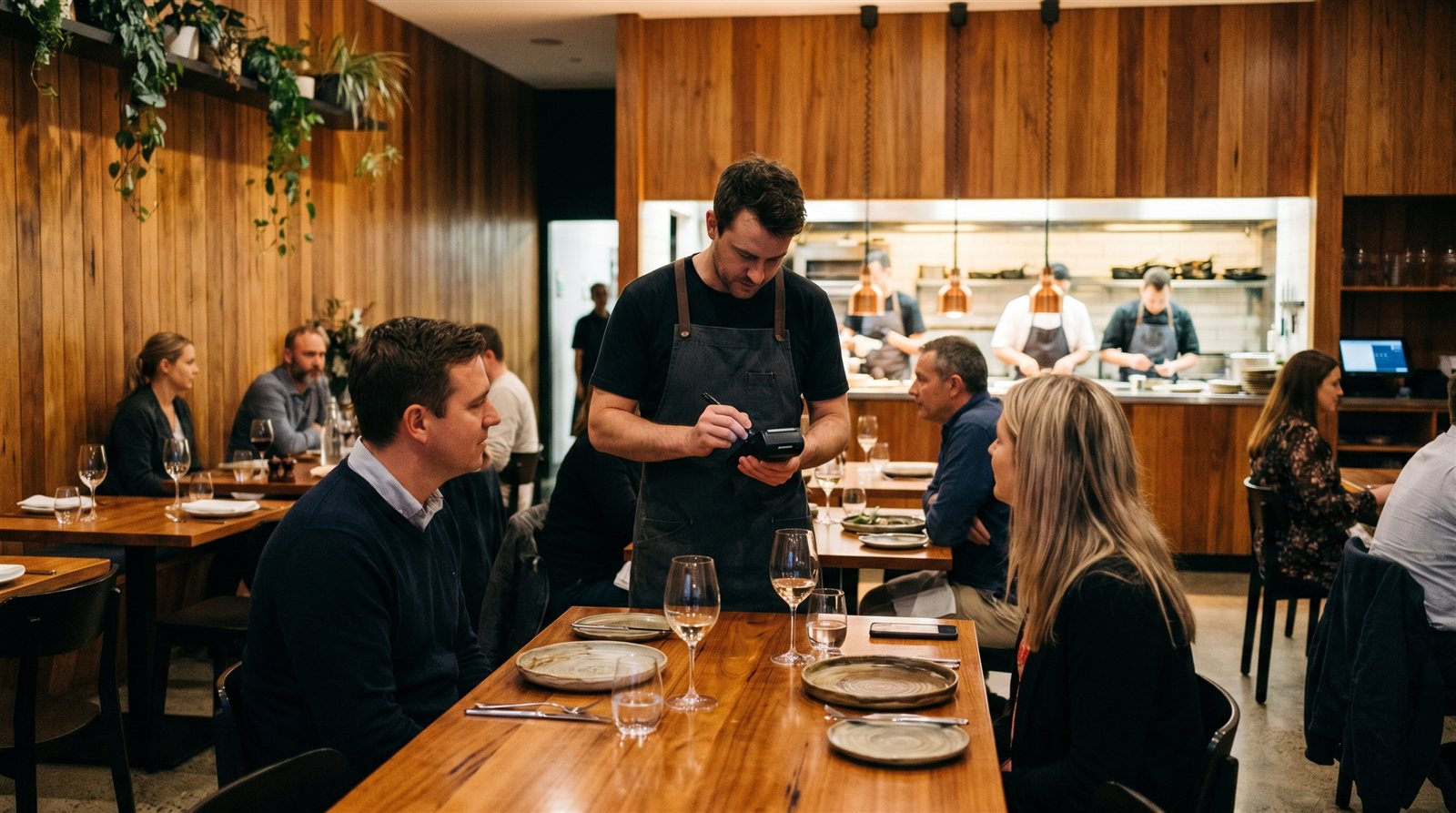
- Handheld terminal. Orders and payments at the table or in the queue. 4G and Wi-Fi, built-in payments; printer models exist for venues that still want paper. Payflo Go is $550, Go Lite $500.
- Kitchen display. Replaces paper dockets: orders appear instantly, nothing gets lost, and the pass can see wait times at a glance.
How many do you need?
A useful rule of thumb for a first fit-out: one counter terminal per till point, one handheld per section of tables in service at once, one KDS per kitchen (plus one at a separate coffee or dessert station if it runs its own queue). Start lean — cloud-based systems let you add a device in minutes, so you can grow into peak trade rather than paying for it upfront.
Own, don't rent
Terminal rental looks small monthly but compounds over a multi-year contract, usually with lock-in. Owning your hardware outright means the only ongoing costs are software and processing — and you can change providers without abandoning equipment.
Before you sign anything
- Ask whether payments are integrated or a separate bank terminal.
- Ask what the exit terms are — Payflo has no lock-in contracts.
- Ask how long adding a new device takes mid-service.
Browse Payflo hardware — free 30-day software trial.



.png)
.png)